Canvas Screen | Modular Digital Signage for Restaurants, Retail, Offices & Any Space - Moonode
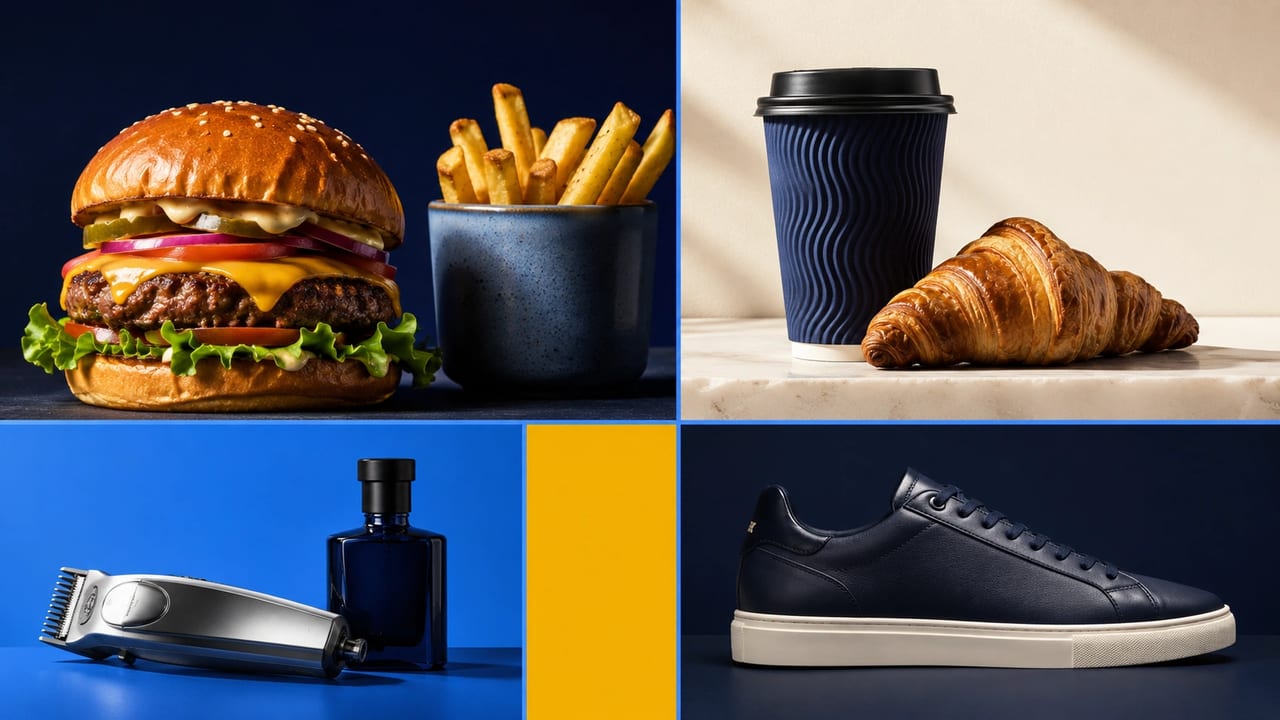
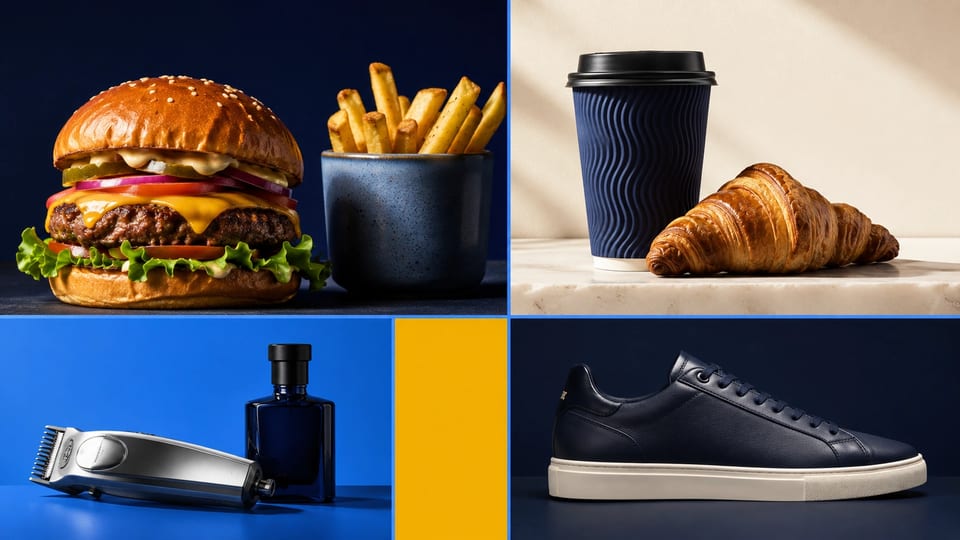
Canvas Screen by Moonode: modular, drag-and-drop digital signage for any space • restaurants, cafés, retail, salons, pharmacies, gyms, offices, and hotels. Grid builder, 9 industry templates, menu boards, product showcases, and real-time TV sync on Samsung, LG, Android TV, Fire TV, and Raspberry Pi.
Canvas Screen is Moonode's modular cloud digital signage platform for any space • restaurants, cafés, retail stores, salons, pharmacies, gyms, hotels, and travel agencies. Create digital menus, product showcases, price lists, and scrolling announcements, then push updates to any paired TV in real time • managed from one dashboard in English, French, and Arabic.
Digital signage features
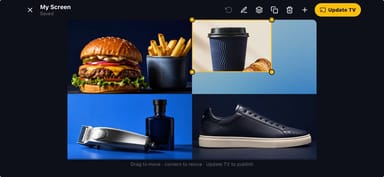
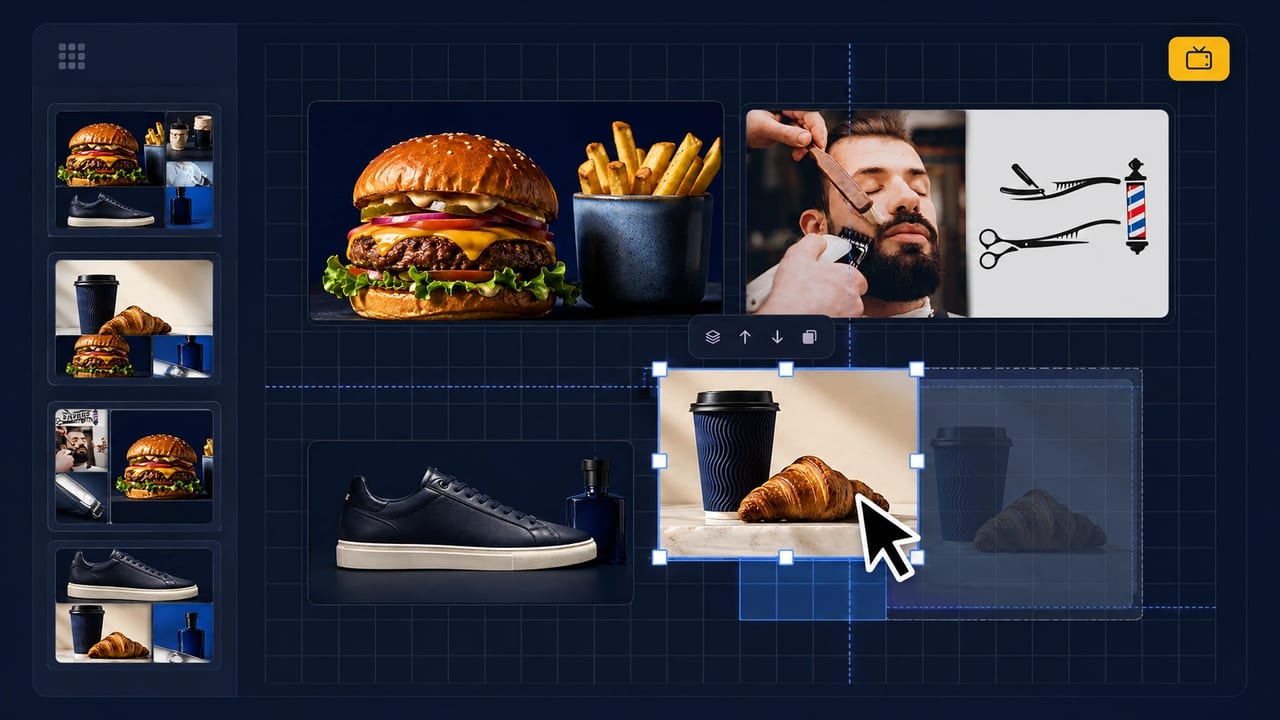
- Drag-and-drop grid builder with column span, row span, and z-order controls
- 9 industry templates • Restaurant, Café, Retail, Hotel, Salon, Pharmacy, Gym, Real estate, Travel • plus a Custom blank canvas
- Menu and price list blocks, product cards synced to your catalog, video and image playlists
- Scrolling announcement ticker with LTR and RTL support for Arabic signage
- Real-time TV sync over Socket.IO • changes appear on every paired display in seconds
- 6-digit TV pairing for Samsung, LG, Android TV, Fire TV, Echo Show, Raspberry Pi, and web browsers
- Landscape, portrait, and ultra-wide 32:9 display orientations
- Background audio, overlay ads for burn-in protection, and dark/light/auto display modes
Supported devices
Canvas Screen works on Samsung Smart TVs (Tizen), LG Smart TVs (webOS), Android TV, Amazon Fire TV, Echo Show, Raspberry Pi, and any web browser. Open dashboard.moonode.com to create your screen and pair TVs with a 6-digit code.
How to set up Canvas Screen
- Create your account at dashboard.moonode.com and pick an industry template
- Build your layout with the drag-and-drop grid builder and content blocks
- Pair your TV with a 6-digit code and push updates live to every screen
Industries
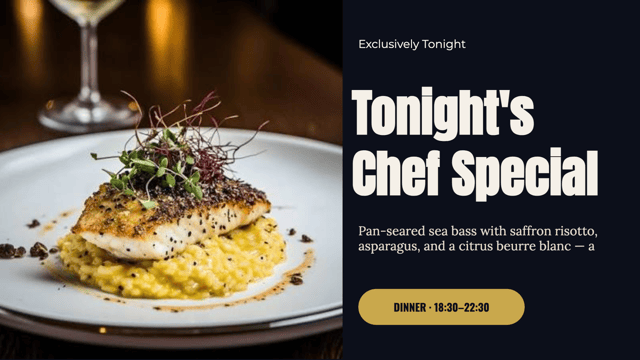
- Restaurant • Digital menu boards for restaurants. Change prices, mark dishes sold out, and swap the lunch menu for dinner from your phone • every paired TV updates in seconds. Works on Samsung, LG, Android TV and Fire TV.
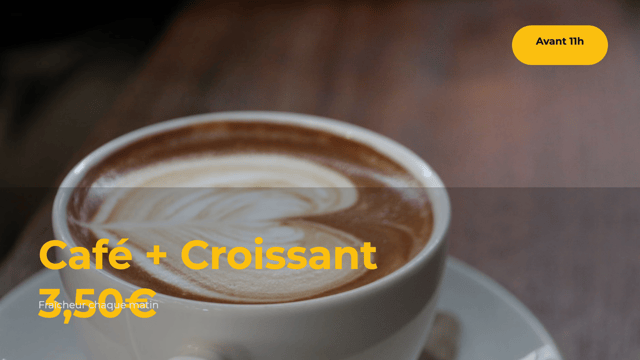
- Café • A digital drinks board for cafés and coffee shops. Hot and cold menus, a pastry grid, and the seasonal drink • updated from behind the counter without reprinting anything.
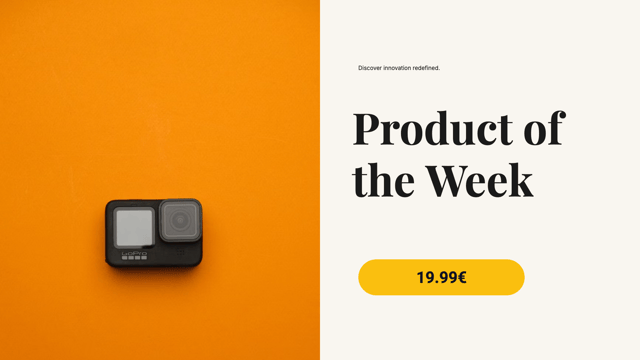
- Retail • Retail digital signage that syncs price changes to every store at once. Product cards straight from your catalog, offers of the week, and price lists • no reprinting, no courier.
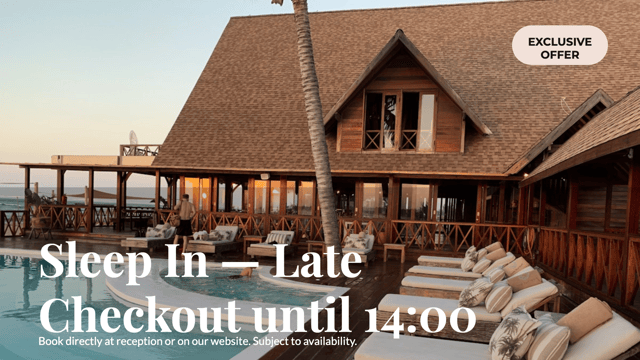
- Hotel • Hotel lobby displays and guest information screens. Welcome boards, the day’s events, amenities and hours • in English, French or Arabic, on portrait or landscape screens.
- Pharmacy • Digital signage for pharmacies. On-call hours, seasonal health notices, and the services people do not know you offer • read during the two minutes they spend waiting.
- Salon • Service and price displays for salons and barbershops. Prices per stylist, before-and-after photos on a playlist, and this month’s offer • all on one screen.
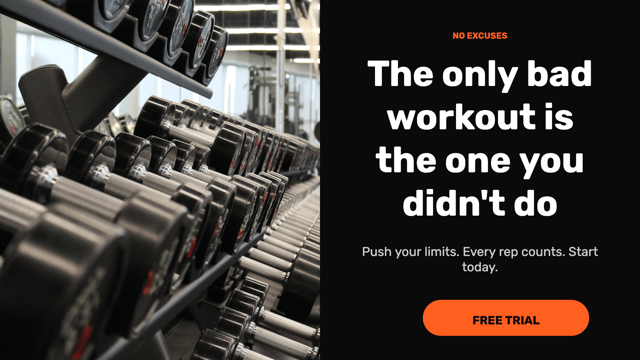
- Gym • Class timetables and membership displays for gyms and studios. A cancelled 6am class is a screen edit, not a printed sheet taped over yesterday’s.
- Real estate • Property listings on an estate agency window screen • working after hours, which is exactly when people walk past and look. Photo, price and surface on every card.
- Travel • Destination photography, package cards and departure lists for travel agencies. Large seasonal imagery next to the prices that go with it.
Guides & resources
- Pair Samsung, LG, Android TV & more
- Create your digital menu • Moonode dashboard
- Multi-location digital signage • contact Moonode
- Canvas Screen FAQ • all questions
Frequently asked questions
What is Canvas Screen by Moonode?
Canvas Screen is Moonode's modular cloud digital signage platform for any space • restaurants, cafés, retail stores, salons, pharmacies, gyms, offices, hotels, and more. Build any display from a drag-and-drop grid: digital menus, product showcases, price lists, and scrolling announcements, then push updates to any paired TV in real time.
What devices does Canvas Screen work on?
Canvas Screen works on Samsung Smart TVs (Tizen), LG Smart TVs (webOS), Android TV, Amazon Fire TV, Echo Show, Raspberry Pi, and any device with a web browser. Pair screens with a 6-digit code from your Moonode dashboard.
How do I create a digital menu for my restaurant?
Sign up at dashboard.moonode.com, choose a Restaurant template, add menu items and prices using the drag-and-drop grid builder, pair your TV with a 6-digit code, and tap Update TV. Changes sync to every paired display in seconds.